FREE VALORANT CROSSHAIR GENERATOR

Create VALORANT Crosshairs with a Free Generator

Design VALORANT crosshairs in a live editor, compare each change, then copy a profile code ready to import into the game.

Live previewNo sign-upSaved locally

Build custom VALORANT crosshairs

Saved in this browser

Crosshair code

Updates whenever you change a setting.

73 characters
0;P;c;5;h;1;t;1;o;0.5;d;0;f;0;m;0;0b;1;0t;1;0l;4;0o;2;0a;1;0f;0;0m;0;1b;0

Practical VALORANT crosshairs to customize

LIVE PREVIEW

Switch states to check how movement and firing settings behave.

60 FPSPRIMARY PROFILE
Standing accuracySIMULATED DETAIL VIEW
Preview background

VISIBILITY LAB

Test VALORANT crosshairs against map contrast

VALORANT crosshairs that look clean on black can disappear against a bright wall. Compare the same shape across different scene values, then confirm it in the live preview above.

Bright geometric practice range with a centered target and open sightline

Bright, low-detail sightline

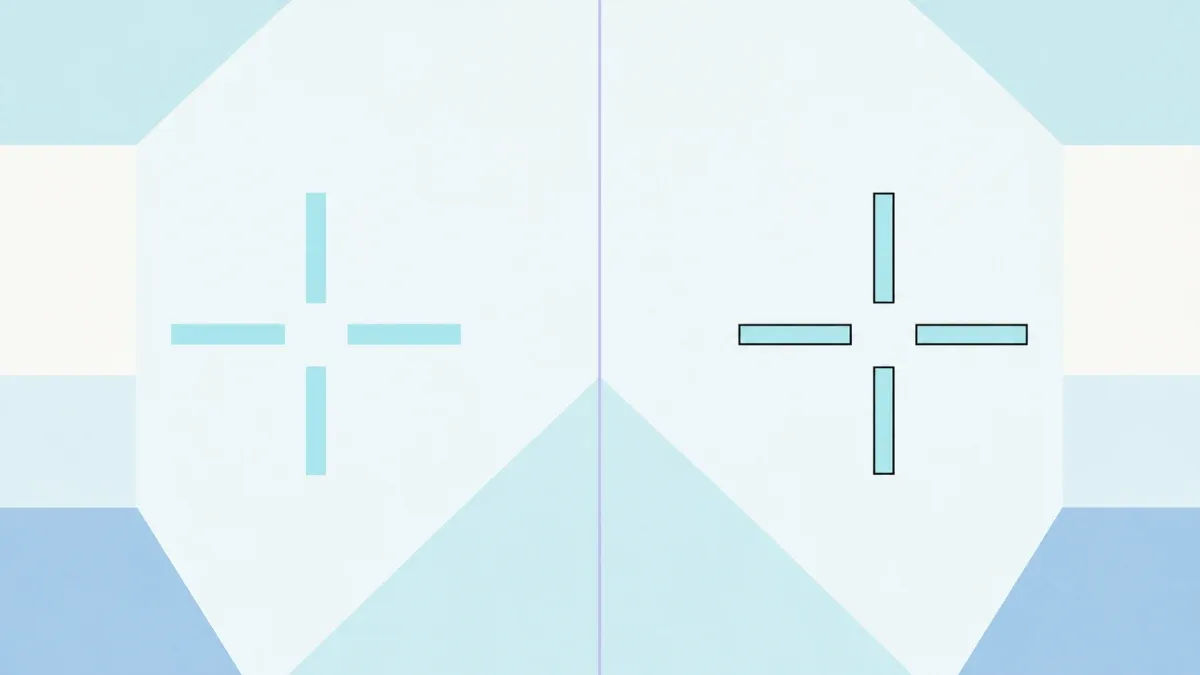
Cyan VALORANT crosshairs with a thin outline are easier to locate when the environment is pale and evenly lit.

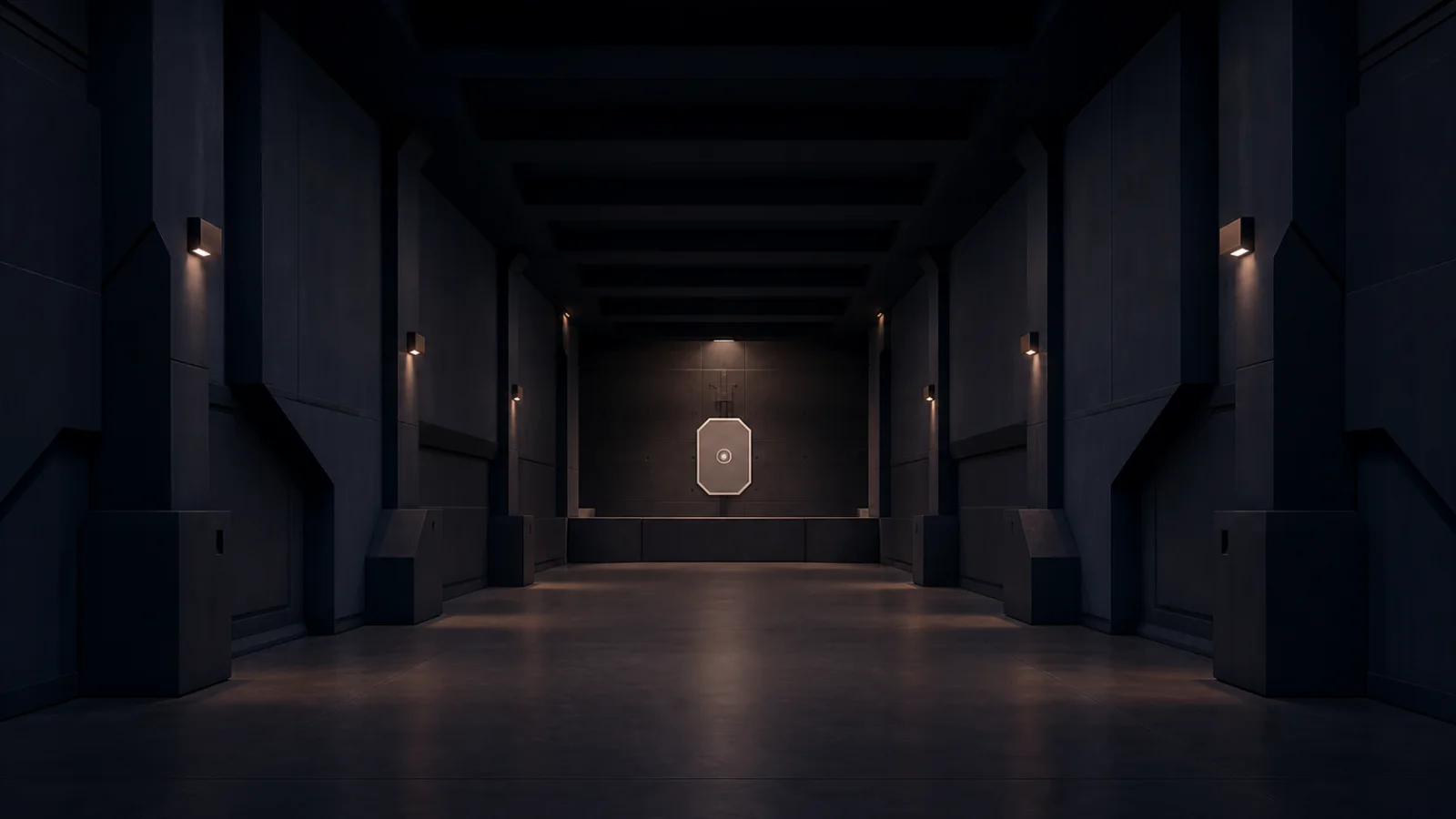
Dark navy practice corridor with warm lights and a centered target

Dark, high-contrast corridor

White or warm VALORANT crosshairs remain readable in shadow, while outlines help when the scene changes quickly.

HOW TO IMPORT

Import VALORANT crosshairs with a profile code

The generator turns VALORANT crosshairs into portable profile codes. Copy your code here, then use the official import control in the game.

  1. 01

    Copy the code

    Use Copy code above. The complete profile string for your VALORANT crosshairs is placed on your clipboard.

  2. 02

    Open Crosshair settings

    In VALORANT, open Settings, choose Crosshair, then select the Import Profile Code icon beside the current profile.

  3. 03

    Paste and import

    Paste the code, confirm the import, and name the result. You can keep several VALORANT crosshairs as separate in-game profiles.

SETTINGS EXPLAINED

How the VALORANT Crosshair Generator changes your reticle

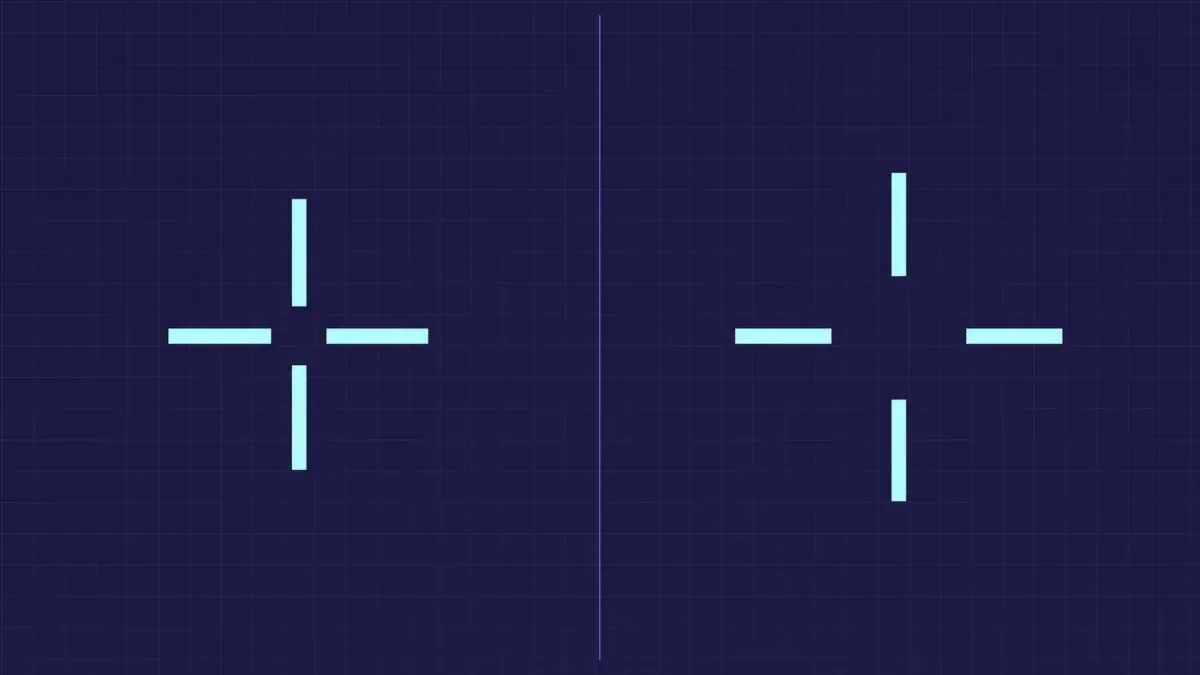
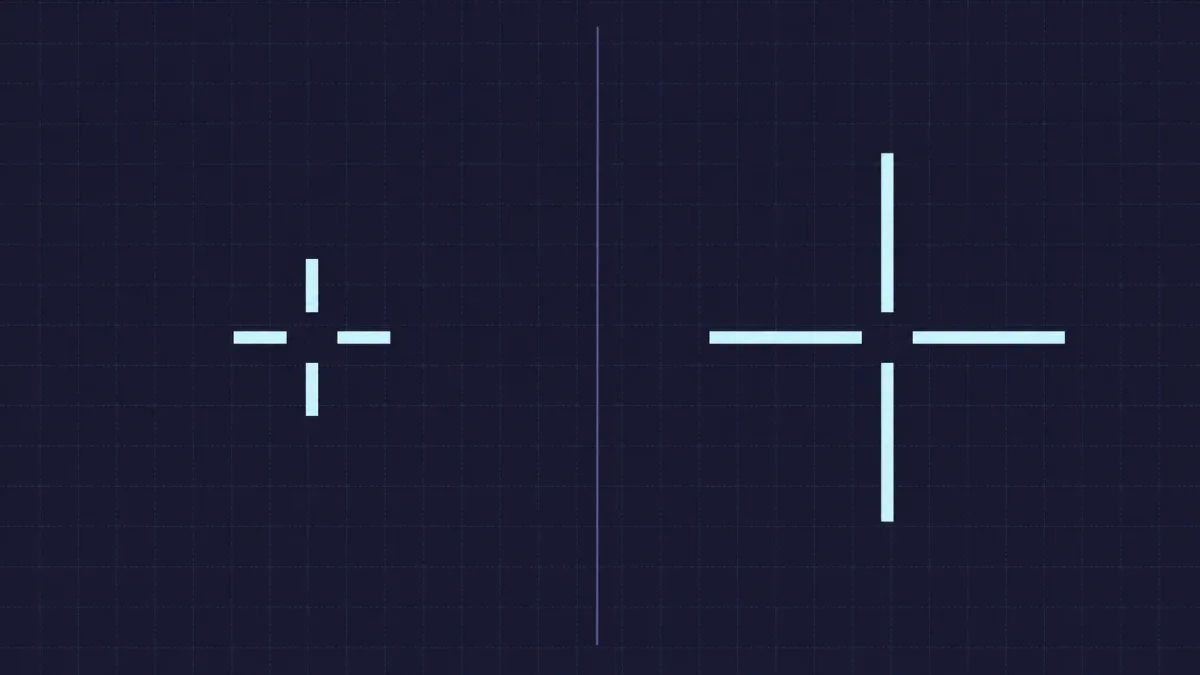
Length controls the silhouette. Short inner lines keep VALORANT crosshairs compact so they cover less of a distant target. Longer lines are easier to find during fast movement.

Length controls the silhouette

Short inner lines keep VALORANT crosshairs compact so they cover less of a distant target. Longer lines are easier to find during fast movement.

Offset opens the center. A small center gap keeps the target visible inside VALORANT crosshairs. A larger gap favors tracking, while a tighter gap gives a more exact center reference.

Offset opens the center

A small center gap keeps the target visible inside VALORANT crosshairs. A larger gap favors tracking, while a tighter gap gives a more exact center reference.

Outlines protect contrast. Use a thin outline when VALORANT crosshairs disappear against bright walls or similarly colored scenes. Keep it light enough that it does not make the reticle feel oversized.

Outlines protect contrast

Use a thin outline when VALORANT crosshairs disappear against bright walls or similarly colored scenes. Keep it light enough that it does not make the reticle feel oversized.

FAQ

VALORANT crosshairs and generator questions

Why do some VALORANT crosshairs fail to import?

VALORANT crosshairs use semicolon-separated profile codes. Incomplete setting pairs, missing separators, or extra text around the code can make an import fail, so paste only the full code.

Can I use these VALORANT crosshairs on every platform?

The generated values describe standard VALORANT crosshairs, but profile-code availability can vary by client or platform. If the import control is unavailable, recreate the displayed values manually.

Can I save VALORANT crosshairs without an account?

Yes. The latest settings stay in this browser, and Copy code gives you a portable backup. No account is required to create or copy VALORANT crosshairs here.

Which colors make VALORANT crosshairs easiest to see?

There is no universal best color. Compare cyan, green, white, yellow, or a custom color across all preview backgrounds, then test your chosen VALORANT crosshairs in the Practice Range.